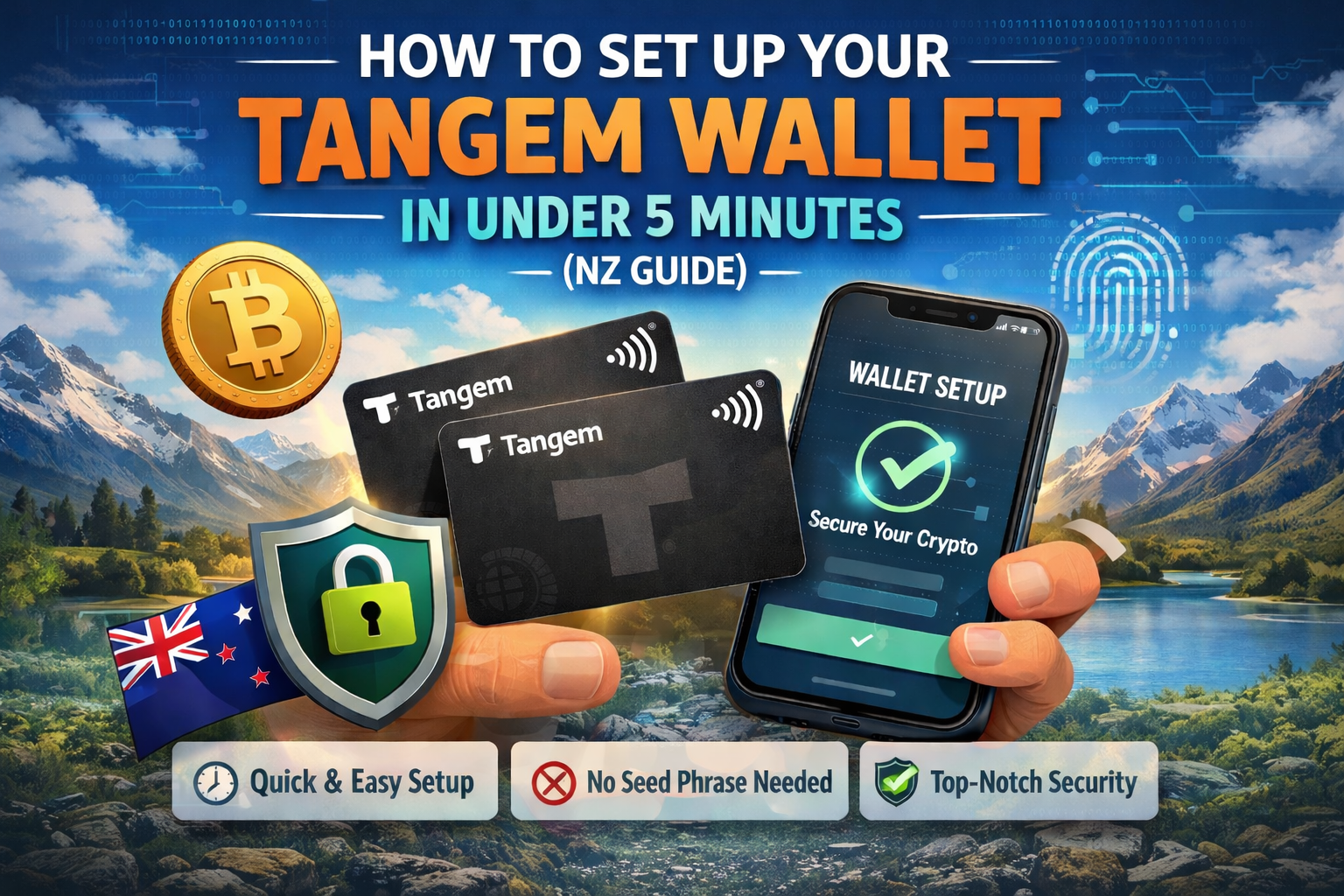
If you’re looking for a fast, secure, and beginner-friendly way to store cryptocurrency, the Tangem Wallet is one of the most convenient solutions available today. Unlike traditional hardware wallets with complicated recovery phrases and setups, Tangem simplifies everything into a tap-and-go experience.
In this New Zealand-focused guide, you’ll learn exactly how to set up your Tangem Wallet in under 5 minutes, along with essential security tips, common mistakes to avoid, and insights into whether it’s truly safe for protecting your crypto.
What Is Tangem Wallet?
The Tangem Wallet is a card-based hardware wallet that allows you to store, buy, sell, and manage crypto securely using NFC technology.
Instead of dealing with seed phrases, you simply:
- Tap your Tangem card on your phone
- Use the Tangem app
- Manage your assets instantly
👉 Explore official details here: https://tangem.com/
👉 NZ-specific insights: https://tangem.nz/
Why Tangem Wallet Is Gaining Popularity in New Zealand
Crypto adoption in New Zealand is growing, and users want simple but secure solutions. Tangem stands out because it combines:
Key Benefits
- No seed phrase required
- Military-grade security chip (EAL6+)
- Beginner-friendly setup (under 5 minutes)
- Portable like a bank card
- Supports multiple cryptocurrencies
Real Use Cases
- First-time crypto investors
- Long-term holders (HODLers)
- Travelers needing portable cold storage
- Users tired of complex wallets
How to Set Up Tangem Wallet in Under 5 Minutes
Step 1: Download the Tangem App
- Go to Google Play or App Store
- Search for “Tangem”
- Install the official app
⚠️ Always verify the publisher to avoid fake apps.
Step 2: Tap Your Tangem Card
- Open the app
- Tap your Tangem card on your phone
Your phone will detect the card using NFC.
Step 3: Create Your Wallet
- Tap “Create Wallet”
- The wallet is generated inside the card
✅ No private keys leave the card
✅ No manual setup required
Step 4: Set Access Code & Biometrics
- Create a secure access code
- Enable Face ID or fingerprint
This adds an extra layer of protection.
Step 5: Backup with Additional Cards
If you bought a 2–3 card set:
- Tap additional cards
- Link them as backups
👉 This replaces traditional recovery phrases.
Step 6: Start Using Your Wallet
Now you can:
- Send and receive crypto
- Store assets securely
- Track portfolio
🎉 That’s it — your Tangem Wallet is fully set up.
How to Set Up Tangem Wallet Safely (Avoid These Mistakes)
Even though setup is simple, security still matters.
Common Mistakes to Avoid
- ❌ Using unofficial apps
- ❌ Losing all backup cards
- ❌ Sharing access code
- ❌ Not enabling biometrics
- ❌ Buying from unauthorized sellers
Best Practices
- Always buy from official or verified sources
- Keep backup cards in separate locations
- Use strong device security (PIN, biometrics)
- Regularly update your phone OS
Is Tangem Wallet Safe? Setup Guide with Security Insights
This is one of the most asked questions: Is Tangem Wallet safe?
Security Features Explained
1. Private Keys Stay Inside the Card
- Keys are generated internally
- They never leave the secure chip
2. Certified Secure Chip
- EAL6+ certification (same level used in passports)
3. No Seed Phrase Risk
- Eliminates human error (lost or stolen seed phrases)
4. Backup Card System
- Redundancy without complexity
Potential Limitations
- Requires NFC-enabled phone
- No traditional seed phrase (some advanced users prefer it)
- Physical loss risk if all cards are lost
Secure Your Crypto in 5 Minutes with Tangem Wallet
The biggest advantage of Tangem is speed without compromising security.
Why It’s Ideal for Fast Setup
- No technical knowledge required
- No writing down recovery phrases
- No firmware updates or cables
- Instant usability
For busy users in New Zealand, this makes Tangem one of the fastest cold storage options available.
Pros and Cons of Tangem Wallet
Pros
- ✔ Ultra-fast setup
- ✔ Beginner-friendly
- ✔ No seed phrase hassle
- ✔ Highly secure hardware
- ✔ Compact and portable
Cons
- ✖ Limited advanced features for power users
- ✖ Requires physical cards
- ✖ Less customizable than some wallets
Tangem Wallet Setup Guide + Security Tips You Must Know
To maximize safety:
Top Security Tips
- Store backup cards in different locations
- Never photograph or share your cards
- Use a secure smartphone
- Avoid public Wi-Fi when transacting
- Regularly check app updates
How to Protect Your Crypto Using Tangem Wallet (Easy Setup)
Tangem simplifies crypto protection into three core principles:
1. Physical Security
Your wallet exists as a physical card — protect it like cash.
2. Digital Security
Use biometric authentication and secure devices.
3. Redundancy
Backup cards ensure you’re never locked out.
Tangem vs Traditional Hardware Wallets
| Feature | Tangem Wallet | Traditional Wallets |
|---|---|---|
| Setup Time | Under 5 minutes | 15–30 minutes |
| Seed Phrase | Not required | Required |
| Ease of Use | Very easy | Moderate |
| Portability | Card-sized | Device-based |
| Security | High | High |
FAQs
How long does it take to set up a Tangem Wallet?
It typically takes less than 5 minutes, making it one of the fastest hardware wallets to configure.
Is Tangem Wallet safe for beginners?
Yes, it is designed for beginners with strong built-in security and no need for seed phrases.
Can I recover my wallet if I lose my Tangem card?
Yes, if you have backup cards. Without backups, recovery is not possible.
Does Tangem support multiple cryptocurrencies?
Yes, it supports a wide range of cryptocurrencies including Bitcoin, Ethereum, and more.
Do I need internet to use Tangem Wallet?
You need internet for transactions, but private keys remain offline on the card.
Where can I buy Tangem Wallet in New Zealand?
You can check trusted sources like https://tangem.nz/
for availability.
Is Tangem better than Ledger or Trezor?
It depends on your needs. Tangem is better for simplicity, while others offer advanced features.
Conclusion: Should You Use Tangem Wallet?
If you want a fast, secure, and beginner-friendly crypto storage solution, the Tangem Wallet is an excellent choice—especially for users in New Zealand who value simplicity without sacrificing security.
With a setup time of under 5 minutes, no seed phrase stress, and strong hardware protection, it’s ideal for both newcomers and experienced investors looking for convenience.
👉 Explore more: