You hold a specific handful of assets. Maybe Bitcoin and Ethereum, maybe something more obscure. And you’re about to spend a few hundred dollars on hardware that might not handle them.
Tangem Ring supported coins
The short answer on Tangem Ring supported coins: the Ring supports exactly what the cards support. Same secure element, same firmware, same app. There is no separate Ring coin list, and any page publishing one is padding word count.
The longer answer is more useful, because the number you’ll see quoted is almost certainly wrong, including on Tangem’s own website.
What the Tangem Ring supports
Every Tangem device, ring or card, whichever set you buy, runs the same chip and connects to the same app. Supported assets are a property of the app and the chip’s cryptographic capabilities, not of the plastic or ceramic around it.
As at September 2026, Tangem’s own materials describe support for roughly 16,000+ tokens across 85–87 blockchain networks, covering Bitcoin, Ethereum, XRP, Solana, Cardano, Dogecoin, BNB, the major stablecoins and most significant EVM chains.
Treat that figure as indicative and check the live list before buying. Here’s why.
Why no single number is reliable, including this one
This is worth seeing, because it explains why every “supported coins” article you read disagrees with the others.
Figures currently in circulation:
| Source | Networks claimed |
|---|---|
| Tangem’s product page header | 61 networks |
| Tangem blog post, ~1 month old | 87+ blockchains, 16,000+ assets |
| Tangem blog post, ~2 weeks old | “over 30 blockchain networks” |
| Major review site | 85+ networks, 16,000+ tokens |
| Another review site | 85 networks, 6,000+ tokens |
| Another review site | 80+ networks |
Those first three are all Tangem’s own properties, saying 61, 87 and 30.
Nobody’s being dishonest. Integrations ship continuously while marketing pages, blog posts and spec sheets update on their own schedules. An article written eighteen months ago was accurate when published and is now badly out of date, but it’s still sitting there being read.
The practical consequence: don’t buy on the strength of a number in a blog post, including this one. Check Tangem’s live supported-assets list, which is generated from their actual integration data rather than written by hand.
The assets most people actually ask about
Not a complete list, just the ones that come up.
| Asset | Supported | Notes |
|---|---|---|
| Bitcoin (BTC) | Yes | Bitcoin network |
| Ethereum (ETH) | Yes | Ethereum network |
| XRP | Yes | XRP Ledger |
| Solana (SOL) | Yes | Solana, plus SPL tokens |
| Cardano (ADA) | Yes | Cardano network |
| Dogecoin (DOGE) | Yes | Dogecoin network |
| BNB | Yes | BNB Smart Chain, BNB Beacon Chain, Ethereum |
| USDT | Yes | Multiple networks; check which you hold |
| USDC | Yes | Many networks including Ethereum, Solana, Base, Polygon, Arbitrum |
| Litecoin (LTC) | Yes | Litecoin network |
| Polkadot (DOT) | Yes | Polkadot network |
| TRON (TRX) | Yes | TRON, plus TRC-20 tokens |
Notice how many rows mention multiple networks. That’s the part that actually catches people out.
Coins, tokens and networks
Three layers, and confusing them is the most common way people get into trouble.
A coin is native to its own blockchain. Bitcoin on Bitcoin. Ether on Ethereum.
A token lives on someone else’s blockchain. USDC isn’t its own chain. It’s issued on Ethereum, Solana, Base, Polygon and a dozen others.
A network is the chain a given asset sits on right now.
Why the same token exists on several networks
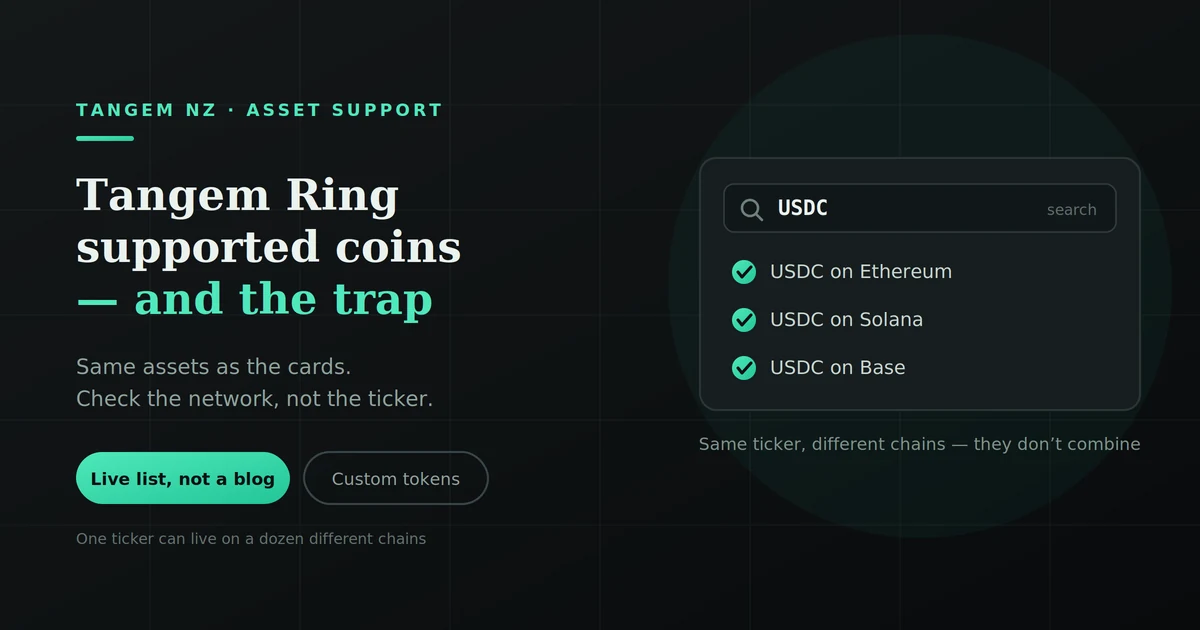
Look at the USDC row above. The same ticker, the same issuer, the same dollar value, but USDC on Ethereum and USDC on Solana are different balances on different chains. You can hold both. They don’t automatically combine.
So “does Tangem support USDC” is the wrong question. The right one is “does Tangem support USDC on the network I’m holding it on“.
Choosing the wrong network is how people lose funds
This is the expensive mistake, and it’s not really a wallet limitation. It’s how blockchains work.
Send USDC on Ethereum to an address expecting USDC on Solana and the funds go to an address on the wrong chain. Recovery ranges from difficult to impossible. Our guide to sending crypto from a Tangem wallet covers the verification habits that prevent this.
Before you send anything, match three things: the asset, the network, and the receiving address format.
Token standards
You’ll see these mentioned constantly:
- ERC-20 tokens on Ethereum
- BEP-20 tokens on BNB Smart Chain
- SPL tokens on Solana
- TRC-20 tokens on TRON
Tangem supports all four, plus others. A standard is just the ruleset tokens follow on that chain. If the network is supported, its standard tokens generally are too.
Adding a custom token when yours isn’t listed
Not every token is pre-loaded in the app. If the network is supported but your specific token doesn’t appear, you can usually add it manually using its contract address.
Roughly, it works like this:
- Find the token’s contract address from a source you trust: the project’s official site or a major block explorer
- Add it as a custom token in the app, selecting the correct network
- The balance appears once the app can read it
One serious warning. Fake tokens with near-identical names and different contract addresses are a common scam. If you paste a contract address from a random social media post, you may add a worthless impersonation token or interact with something malicious.
Get contract addresses from the project’s official documentation or a reputable explorer. Never from a DM, a comment, or a search result you haven’t verified.
Why some coins will never be supported
This is the part almost nobody explains, and it’s the real answer to “will they add my coin?”
Tangem’s integration process has a hard technical gate: the chip must support the network’s signature algorithm. Blockchains use different cryptographic schemes (ECDSA, EdDSA and others), and if the secure element can’t produce valid signatures for a given scheme, integration is impossible. Not difficult. Impossible.
That’s a chip-level constraint, not a development backlog. No amount of user demand changes it.
For networks that are technically compatible, Tangem prioritises by user requests, ranking the most-asked-for chains and tokens. So requesting your coin genuinely does something if it’s on the right side of that technical line.
What this means for you: if a coin isn’t supported today and you’ve read that it’s “coming soon”, treat that as unverified. Buy based on what works now.
Staking, swapping and NFTs
Support here moves faster than anything else on this page, so verify before relying on it.
Staking. The app supports native staking on a number of networks, with Solana, TON, TRON, Polygon, BNB and Cosmos among those commonly cited. The available set changes.
Swapping. In-app swaps let you exchange assets without moving to an exchange. Rates and available pairs vary.
NFTs. Supported on some networks. If NFTs are a significant part of what you hold, check specifically rather than assuming.
How to check before you buy
It takes about three minutes. Do this rather than trusting any article:
- List your assets. Every one you intend to store.
- Note the network for each. Not just “USDT”, but “USDT on TRON”. Your exchange or current wallet will show this.
- Check each against Tangem’s live supported-assets list, searching by network as well as ticker.
- Flag anything missing. Decide whether you’d keep it elsewhere or add it as a custom token.
- Screenshot the result with the date. If something changes later, you’ll know what you checked.
Three minutes, and it removes the entire risk this article exists to address.
What happens if support changes after you buy
Good news here, and it’s a genuine architectural advantage.
New network support arrives through app updates, not device replacement. The firmware on the chip is fixed at manufacture and can’t be changed, which is a security feature, since it means nothing can be pushed to your hardware. But the app side keeps expanding.
So the list of assets you can manage on the device you buy today will likely be longer in two years. The reverse isn’t really a risk either: assets don’t typically get removed.
The one constraint that doesn’t move is the signature algorithm limit above. If the chip can’t sign for a scheme, no update changes that.
Ring versus cards makes no difference
Identical chip, identical firmware, identical app, identical supported assets. The Ring’s set includes backup cards, and all of them open the same wallet.
The differences between the formats are price, how you carry them and whether sizing matters, all covered in our Ring vs Card comparison. Supported coins isn’t one of them.
FAQs
Does the Tangem Ring support Bitcoin?
Yes, on the Bitcoin network, along with Ethereum, XRP, Solana, Cardano and the other major assets.
How many coins does Tangem support?
Roughly 16,000+ tokens across 85–87 networks as at September 2026, though published figures vary widely. Check Tangem’s live list rather than any single article.
Can I add a token that isn’t listed?
Usually, by adding it as a custom token with its contract address, provided the underlying network is supported. Only use contract addresses from official sources.
Does the Ring support fewer coins than the cards?
No. Same chip, same app, same supported assets. Any list suggesting otherwise is wrong.
Can I stake from the Tangem Ring?
Native staking is available on several networks through the app. The exact set changes, so verify against current documentation.
What if Tangem doesn’t support my coin?
If the network is compatible, a request may see it added, since Tangem prioritises by user demand. If the chip can’t support the signature algorithm, it won’t be added at all.
Why do different websites give different numbers?
Because integrations ship continuously while articles and marketing pages update on their own schedules. Even Tangem’s own pages currently disagree with each other.
Send us your list
The three-minute check above is worth doing yourself. If you’d rather have it confirmed, send us the assets you hold and the networks they’re on, and we’ll check them against the current supported list before you spend anything.